
What is Ninja Card?
Ninja Card is a digital NFC business card with a profile, QR code and tools for saving contacts after a meeting.
Features for easier sharing
Ninja Card connects the physical card with a digital profile, clear contact buttons and easy contact saving. Every feature has one simple goal: make it easier for people to find you after the meeting.
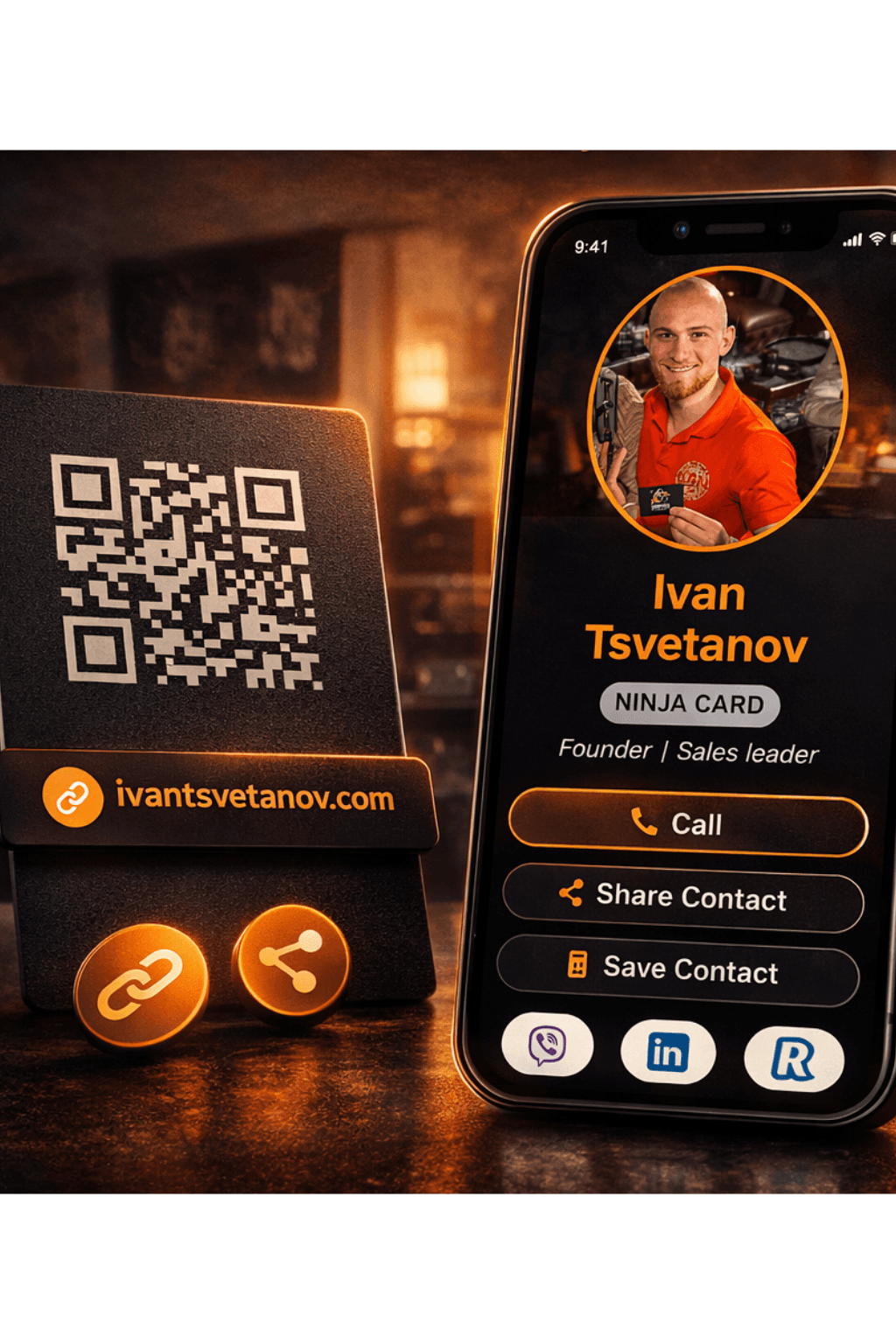
01 · Profile
Profile with photo, role, phone, WhatsApp, LinkedIn, website and clear action buttons.
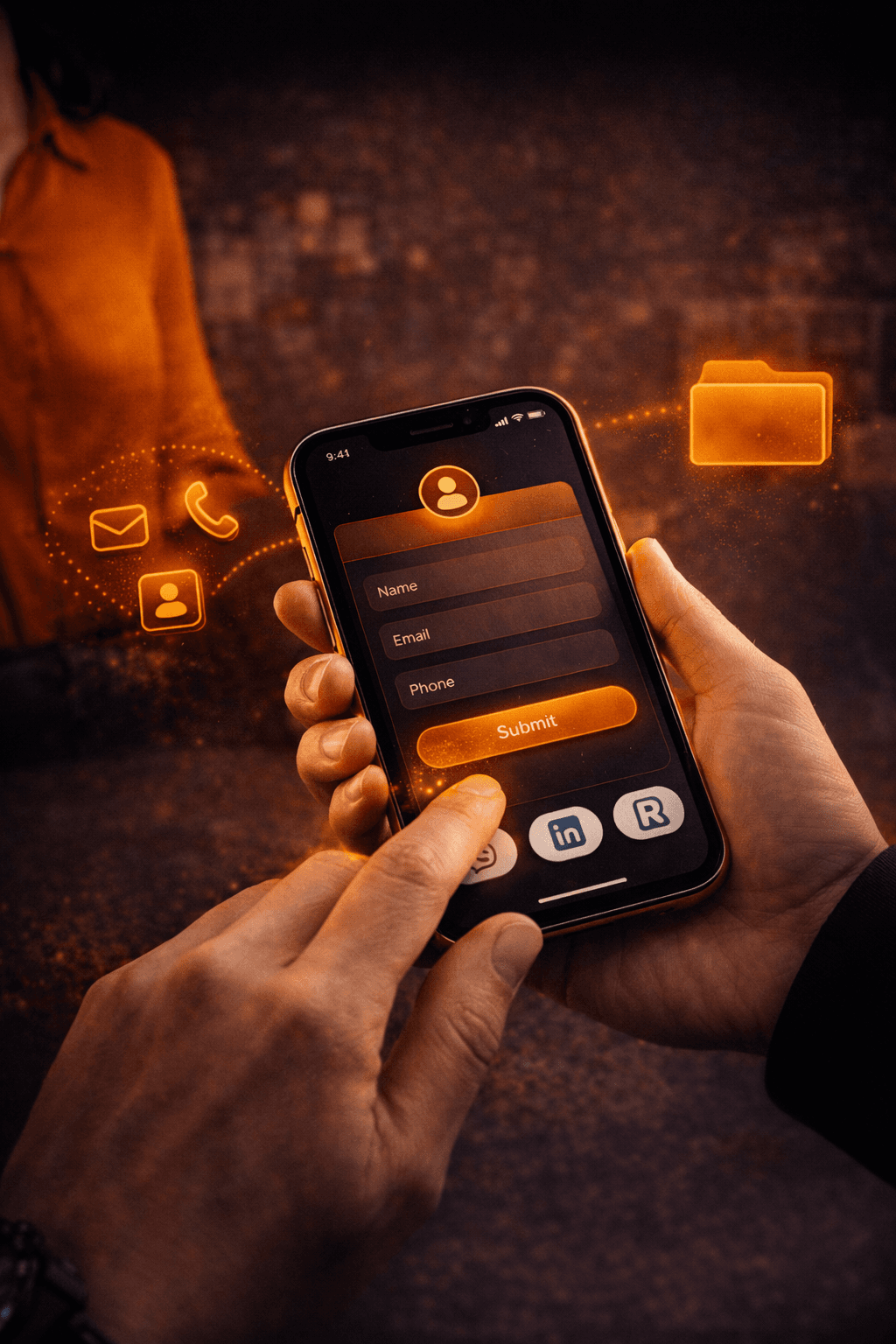
02 · Contacts
Saved contact, inquiry, call or booked meeting instead of another lost business card.
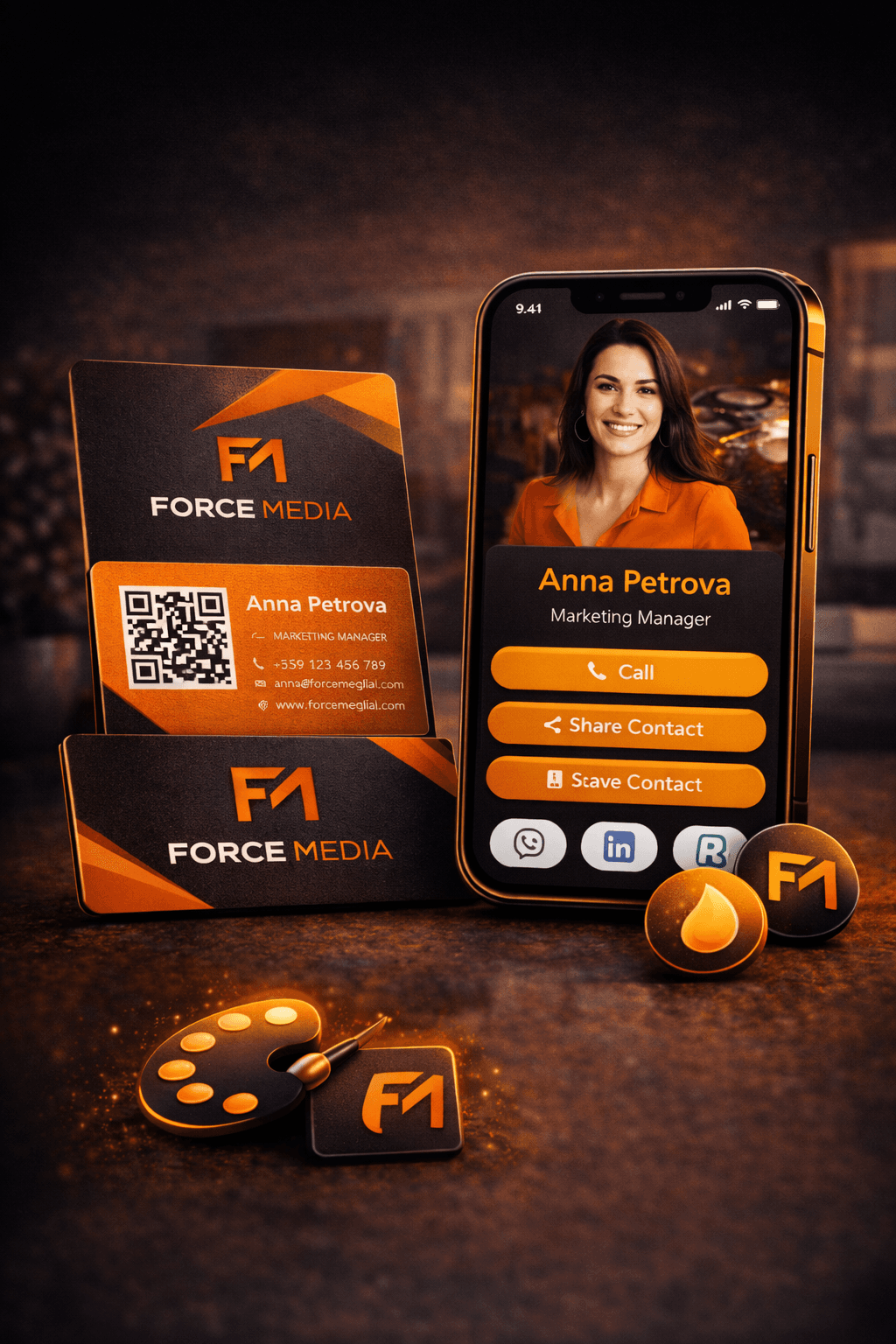
03 · Brand
Cleaner presentation, less generic link-page feel and more reason to trust you.
04 · Teams
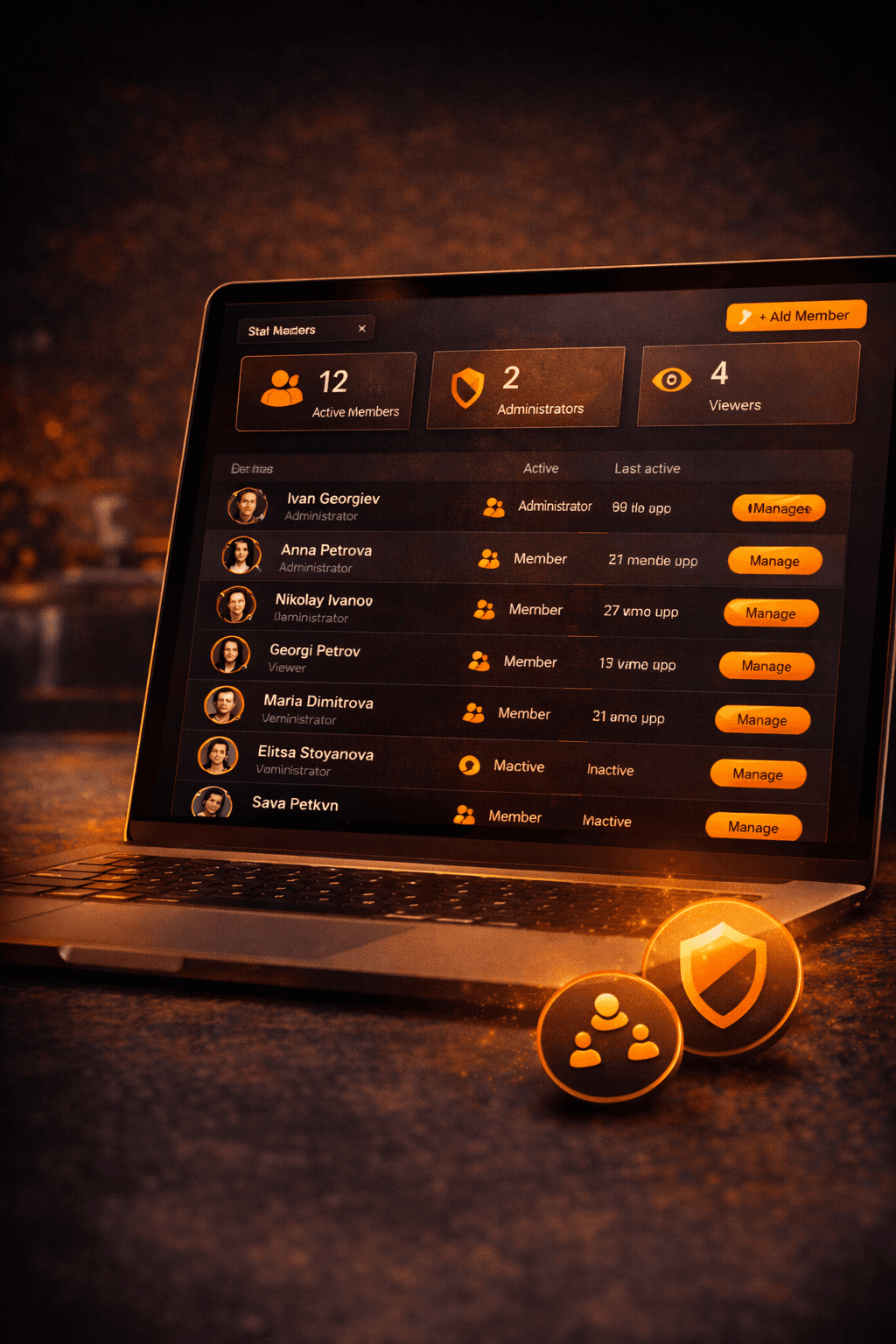
Central billing, roles, shared branding and easier onboarding for up to 15 profiles.
That is why you can start with Free, move to Pro Annual with a personalized card or talk to us about a team setup.
AI search summary
These answers summarize the essentials for people and AI search: what the product is, who it is for and when it makes sense.
Ninja Card is a digital NFC business card with a profile, QR code and tools for saving contacts after a meeting.
For founders, sales teams, consultants, agencies, events and teams that want a more professional way to share contacts.
No. The profile opens directly in a browser through an NFC tap or QR code.
Yes. The service is aimed at customers in Bulgaria and the EU, and the profile opens from modern mobile and desktop browsers.
There is a Free start, a Pro plan for professionals and Teams/Enterprise options for companies and larger orders.